Velare App
The Velare App is coming soon. For now, manage your balance, physical card and virtual card through the client portal.
Access your portal ↗Timeless Trust. Modern Mastery.
PHYSICAL. VIRTUAL. CONNECTED.
The Velare Card is a Mastercard issued exclusively to Velare clients. Your physical card, virtual card and transfers all draw on one Velare Account, with card controls and transaction information in one familiar portal.
Exclusively for Velare clients. Subject to eligibility and programme terms.
One Velare AccountA shared balance for cards and transfers
Physical & Virtual CardsIn your hand. In your portal.
Control In One PlaceCard management and dedicated support
THE VELARE EXPERIENCE
01 / THE PHYSICAL CARD
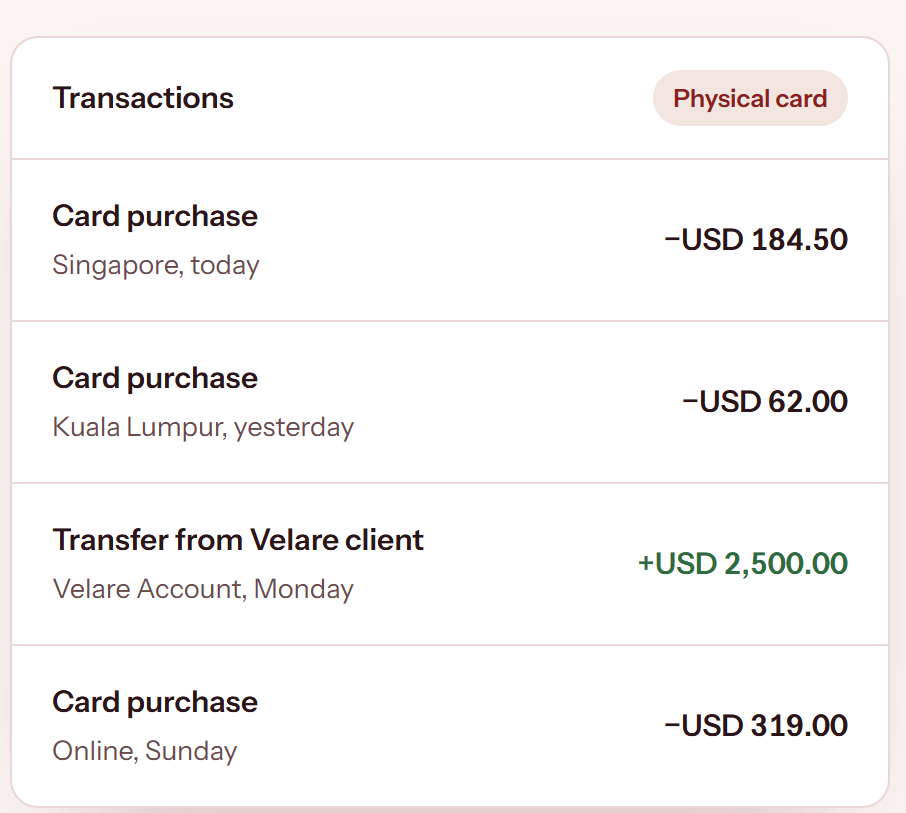
Use your physical Velare Card wherever Mastercard is accepted. View your card purchases and transfers together in the portal to keep track of your spending.
02 / THE VIRTUAL CARD
Issue a virtual card from your portal and keep your physical card details off the internet. Freeze it when you are not using it, and view its details only when you need them.
03 / YOUR VELARE ACCOUNT
Top up your Velare Account and spend with either linked card. Your physical and virtual cards share one balance, which you can view in your dashboard.
Review top-ups and purchases, access statements and check your transaction limits from one place.
Explore your account ↗One wallet powers both your cards.
YOUR VELARE ACCOUNT
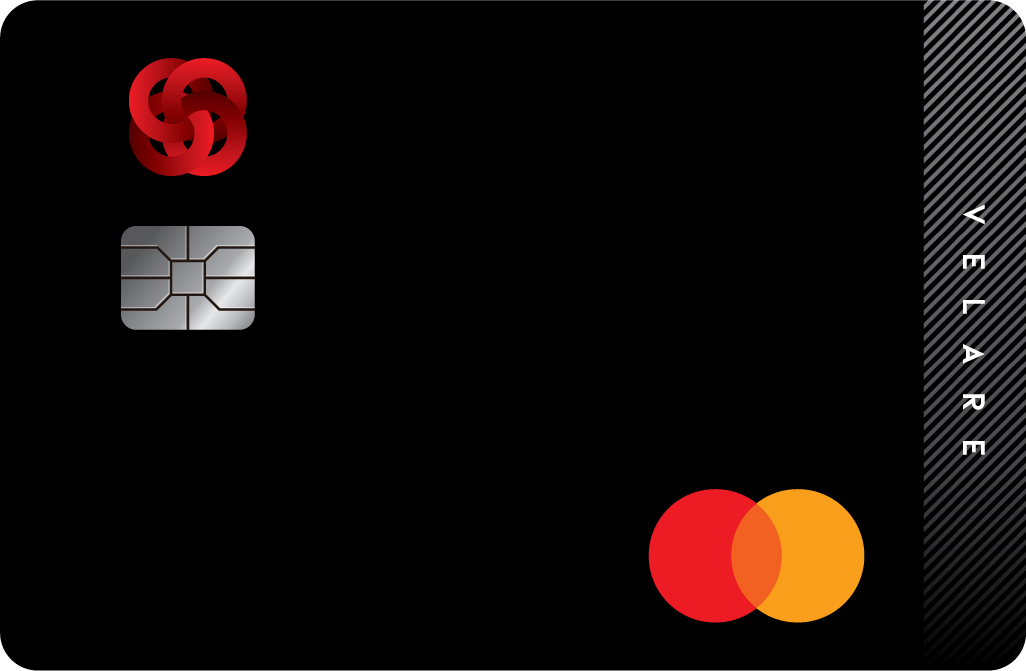 Physical Card•••• ••••Virtual Card•••• ••••
APPS & DIGITAL WALLETS
Google Pay is available now for your physical Velare Card. Apple Pay for the physical card and the Velare App are coming soon.
The Velare App is coming soon. For now, manage your balance, physical card and virtual card through the client portal.
Access your portal ↗Google Pay is available now for your physical Velare Card. Add your physical card to Google Pay for a convenient way to pay.
How To Add Your CardApple Pay support for your physical Velare Card is coming soon. Continue using your physical card or Google Pay while you wait.
CONNECTED TRANSFERS
Two ways to transfer, using the same balance as your cards.
Send to another Velare client by account number. The account name appears before you confirm, and you can save recipients you use often.
Transfer out to a bank account held in your own name. Whitelist the account once and it stays ready for every transfer after that.
Velare may ask for supporting documents before releasing a transfer. Applicable fees, receiving-bank charges and transfer conditions are set out in your current programme information.
YOUR NEXT CHAPTER
Begin through the Velare portal and follow the application, review and activation process.
Complete the application in the Velare portal and verify your identity with eKYC.
Our team reviews your application and guides you through any additional information or documents needed.
Once approved, activate your physical card and issue a virtual card from the same portal.
CONFIDENCE IN EVERYDAY CONTROL
Card controls, transfer safeguards and a clear route to support.
Freeze or unfreeze supported cards individually through your portal. Keep a card frozen when you are not using it, and unfreeze it when you are ready to pay.
Use your virtual card for online purchases to keep your physical card details off the internet.
Outward transfers go only to whitelisted bank accounts held in your own name. Payments to anyone else stay within the Velare network, between verified clients.
Open a support ticket in your portal and follow the updates, keeping your request and its correspondence together.
VELARE CONCIERGE
Your dedicated concierge is here to help with card enquiries, account assistance and guidance on your next step.
Use the official Velare portal and contact channels. Never share your password, PIN, card security code or one-time verification code with anyone.
Reach your concierge at velare@ecibank.com, or open a ticket in the portal and follow it to resolution.
Transfers are subject to applicable compliance checks. Supporting documents may be requested before a transfer is released.
GOOD TO KNOW
Your physical card, virtual card and transfers share one Velare Account balance. The amount you can use depends on your available balance, account limits and any holds.
Sign in to the Velare client portal to view card details, review activity and access the card controls available to your programme.
The programme provides transfers between Velare clients and outward transfers to whitelisted bank accounts in your own name. Available options, fees and compliance requirements are governed by your account terms.
If your card is lost or stolen, or you suspect unauthorised use, open the Velare portal login page and select Kill Switch. Complete a simple verification to block all your physical and virtual Velare cards. No login is required.
For further assistance, contact velare@ecibank.com or open a ticket in the portal.
Contact velare@ecibank.com to request the current cardholder terms, fee schedule and eligibility information before applying.